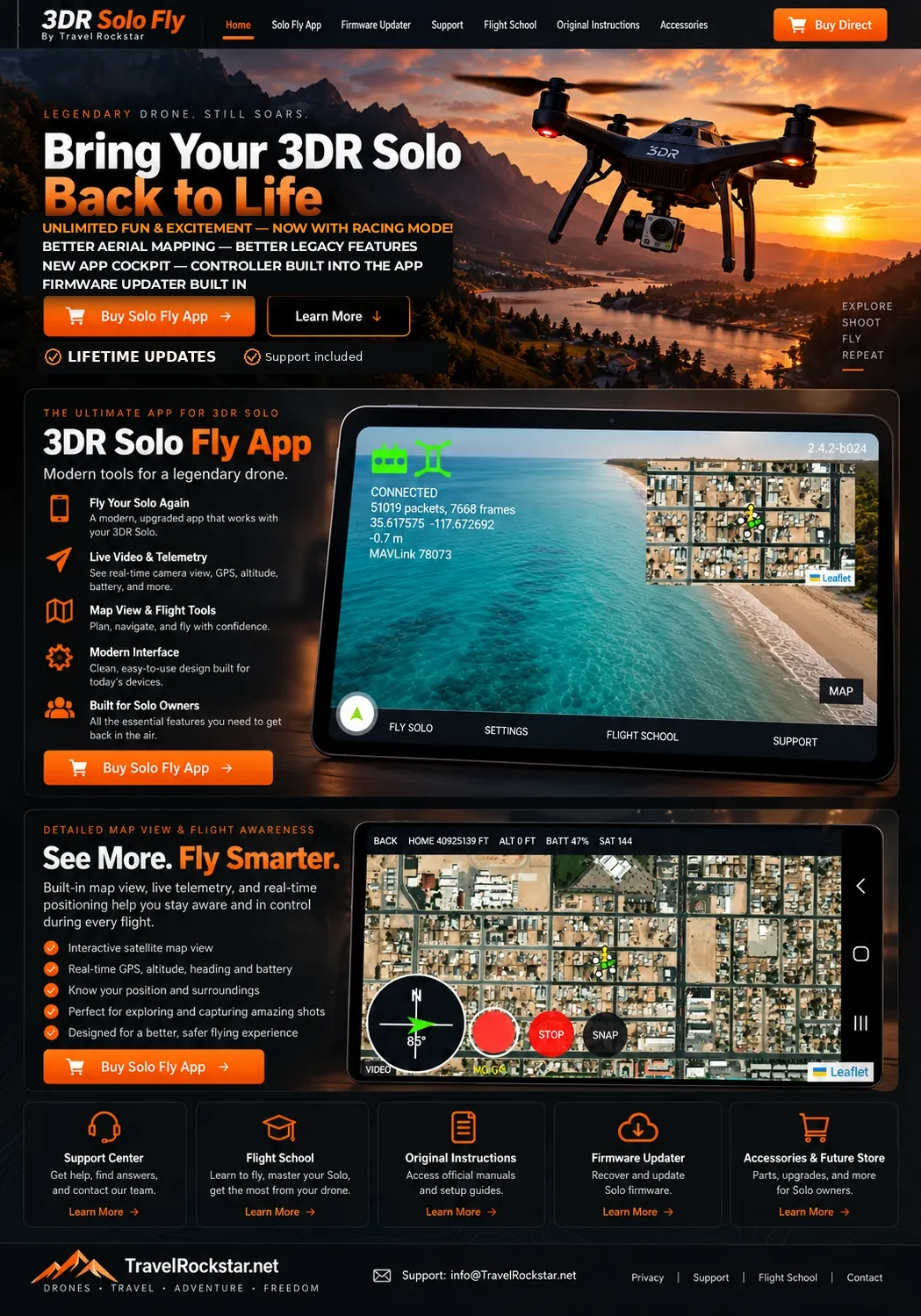
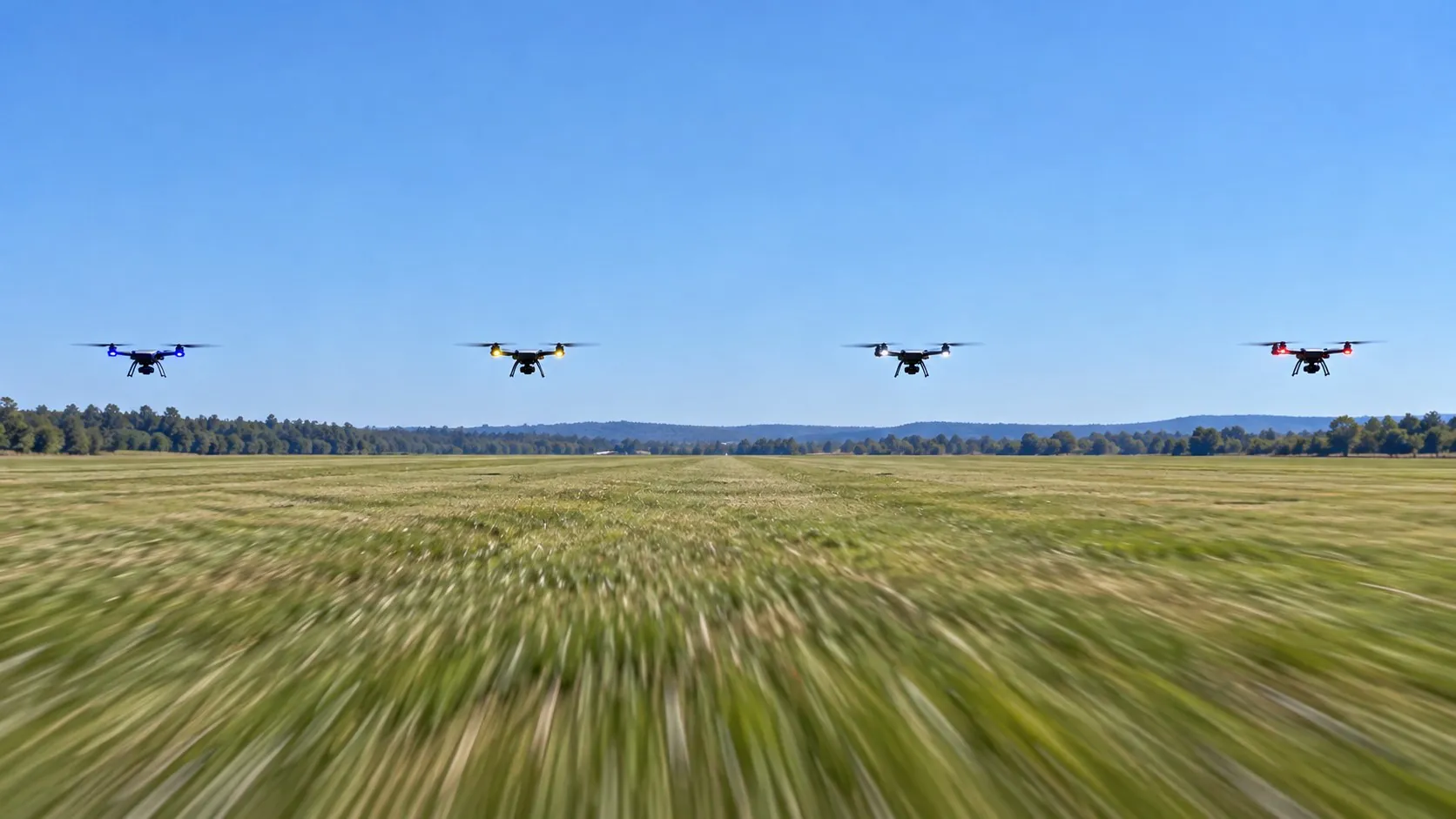
Unlimited Fun. Racing Excitement.
Create your own track, race solo against the clock, or challenge up to four friends via Bluetooth. Your next adventure starts at the starting line.
- ✓Host a race or fly a solo time trial
- ✓Invite friends via Bluetooth (planned)
- ✓60-second race prep and synchronized countdown (planned)
Your track. Your race. Your victory! · Multiplayer racing in development.
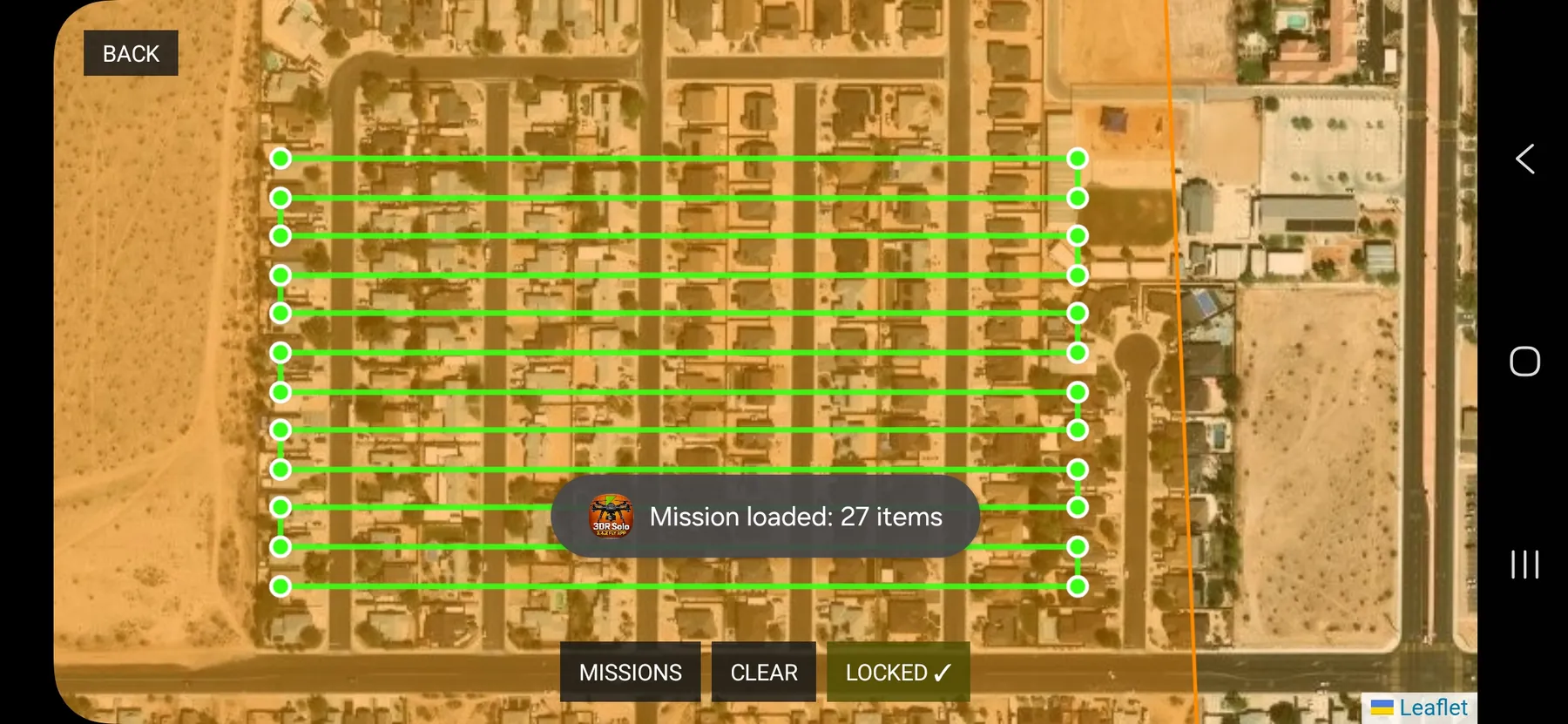
Bring Aerial Mapping Back to Life.
Put your Solo back to work with GPS mapping, grid flights and repeatable survey routes—powerful tools for the serious flyer.
- ✓Create GPS grid and mapping missions
- ✓Save and revisit planned routes
- ✓Put your Solo back to work in the field
Make every pass count.
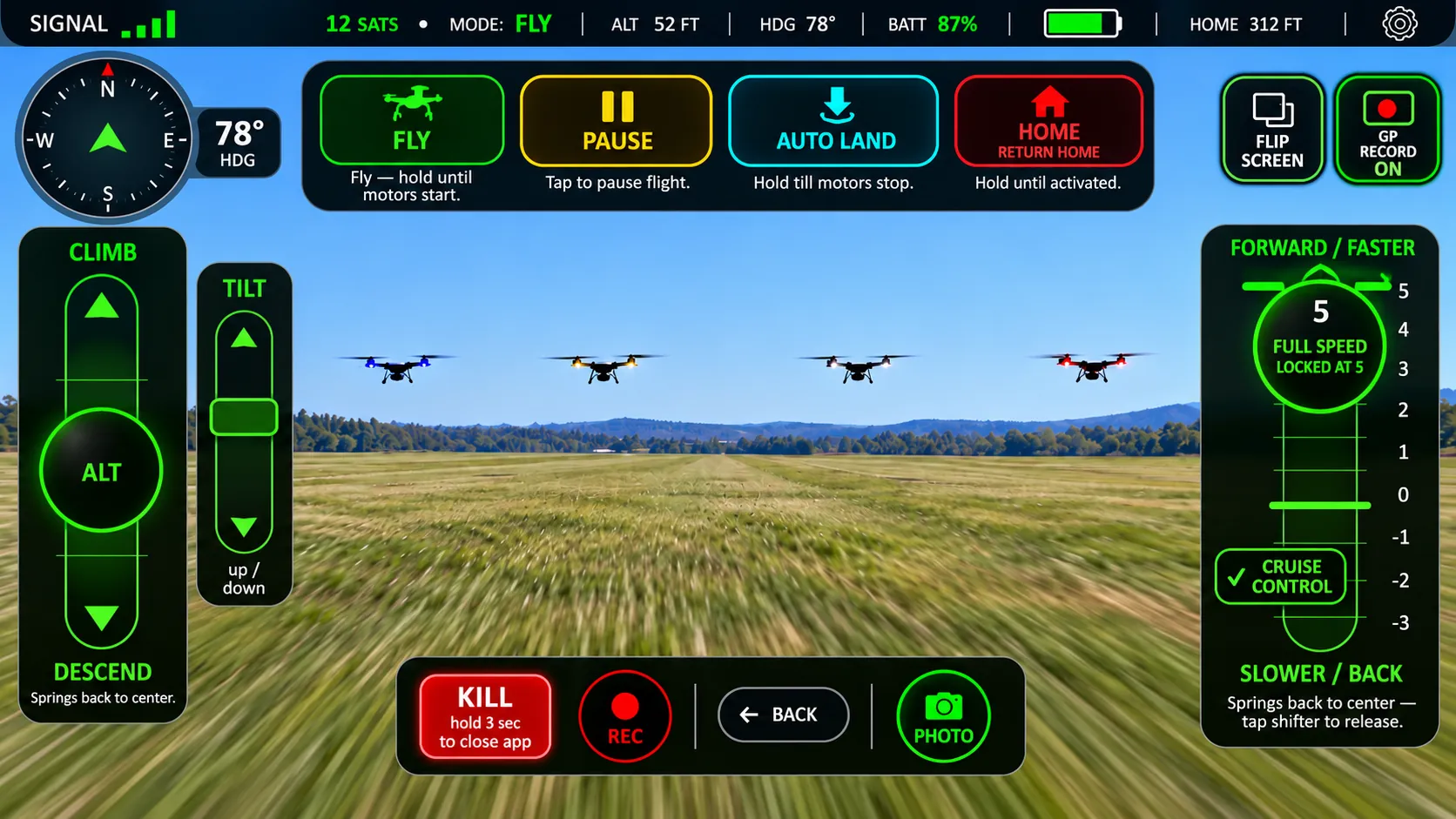
Controller Built Right into the App.
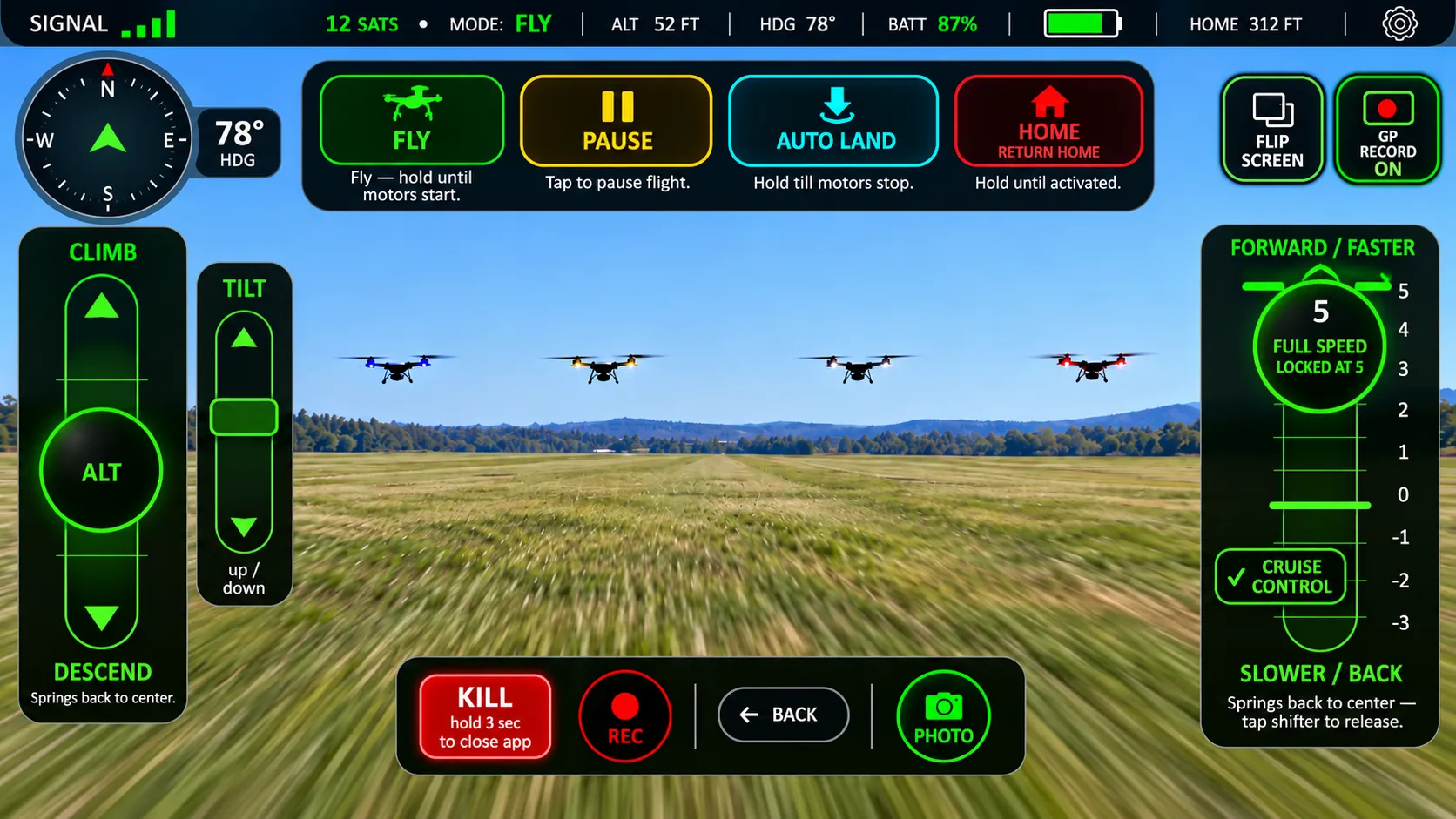
Your Solo flight cockpit, right on your phone. Fly and manage the controls while watching the camera view.
- ✓Flight controller built into the app
- ✓Live camera view with flight controls
- ✓Fly, Pause, Home and landing access
Ready when you are.
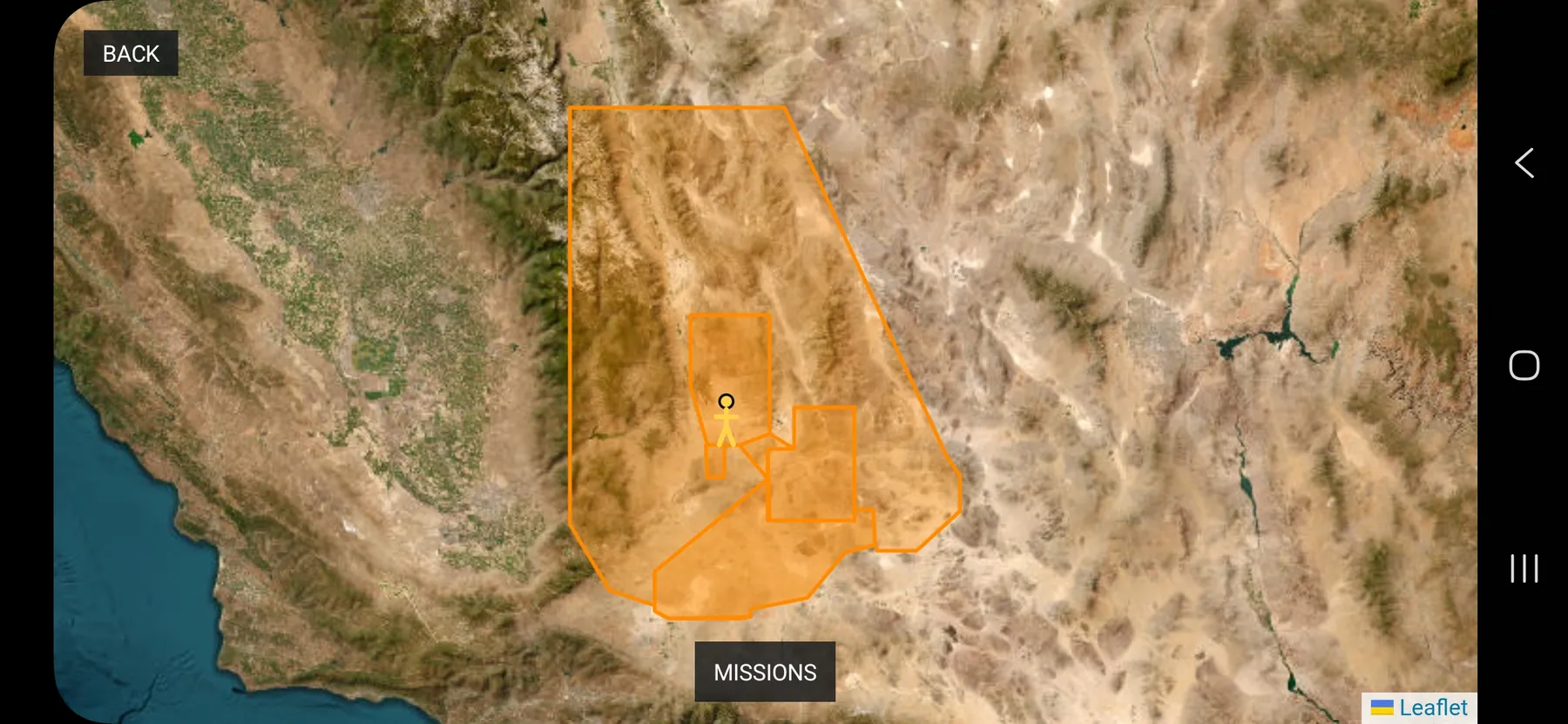
See the Airspace Before You Fly.
View mapped flight-restriction areas before planning your next mission, with useful location awareness right in Solo Fly.
- ✓See mapped restriction areas
- ✓Review your GPS location and surrounding airspace
- ✓Plan with better awareness of where you fly
Know before you go.
See What Solo Fly Brings to the Flight.
A familiar Solo foundation, more ways to plan and fly, and new adventures in development. Feature support can vary by app version, aircraft firmware and installed add-ons.
| Capability | Original Solo | Solex | 3DR Solo Fly |
|---|---|---|---|
| Live camera video | ✓ | ✓ | ✓ |
| Orbit and Cable Cam | ✓ | ✓ | ✓ |
| Follow Me | ✓ | ✓ | ✓ |
| Mission planning | — | ✓ | ✓ |
| Grid mission planning | — | ✓ | ✓ |
| Landscape on-screen flight controls | — | Verify | ✓ |
| Compass display choices | Verify | Verify | ✓ |
| Integrated firmware tools | ✓ | Verify | ✓ |
| SkyTrack four-drone racing | — | — | Planned |
| Grid Sprint / Full Grid race | — | — | Planned |
Working comparison for editorial review. “Verify” means competitor functionality has not been confirmed here; “Planned” is not available as a released feature. Aircraft safety and compatibility still require real-world testing.
PHOTO & VIDEO
Your Solo can be a camera platform again.
Your Camera. Your Solo. No Handcuffs.
Give Solo fresh eyes with compatible GoPro and HDMI video camera setups—go beyond the original limited Hero 3/4 workflow.
- ✓Bring compatible GoPro or HDMI video sources
- ✓Built for broader camera flexibility
- ✓Make Solo your aerial filming platform again
Ready when you are.
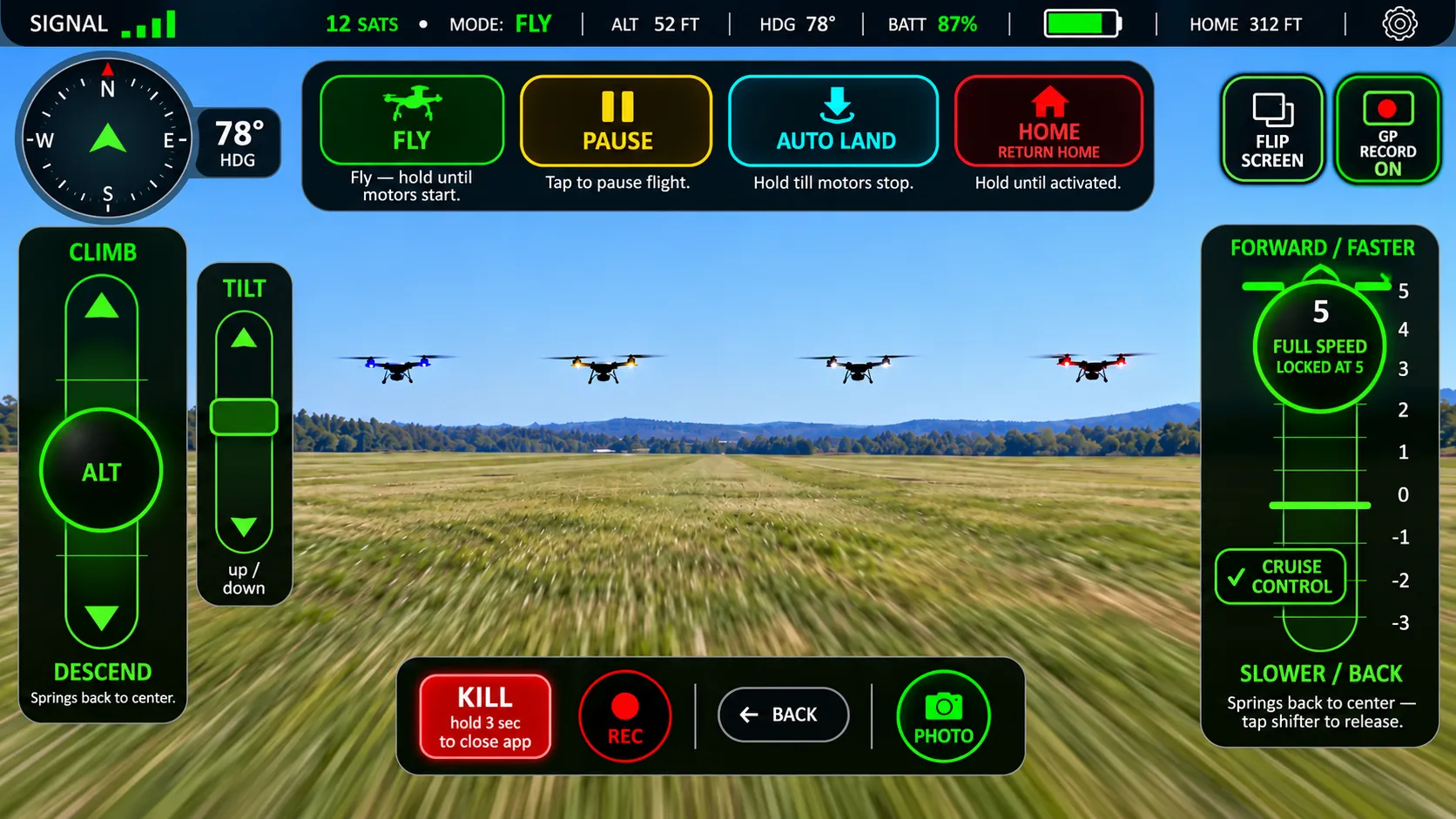
Keep Rolling. Get the Shot.
The feature photographers have been waiting for: expanded recording support beyond the old Hero 3/4-only approach.
- ✓Control recording from the cockpit on supported cameras
- ✓Explore more camera setups than the old app
- ✓Keep live video and controls together
Ready when you are.
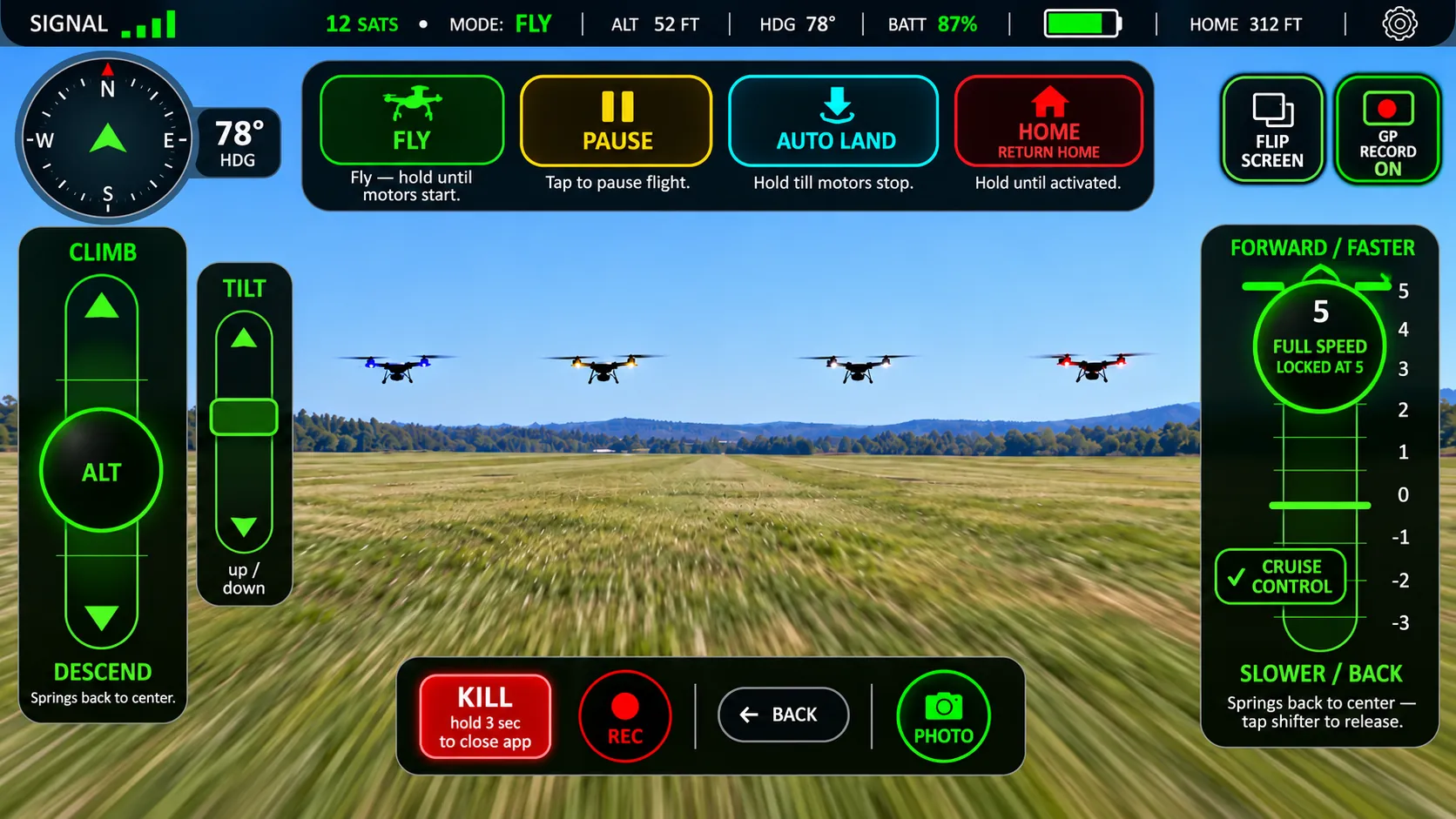
One Tap. One Incredible Photo.
Sometimes a video just will not do. Capture that perfect aerial moment with a dedicated snapshot control.
- ✓A dedicated still-photo action
- ✓Capture the view you came to see
- ✓Photo support subject to camera compatibility
Ready when you are.
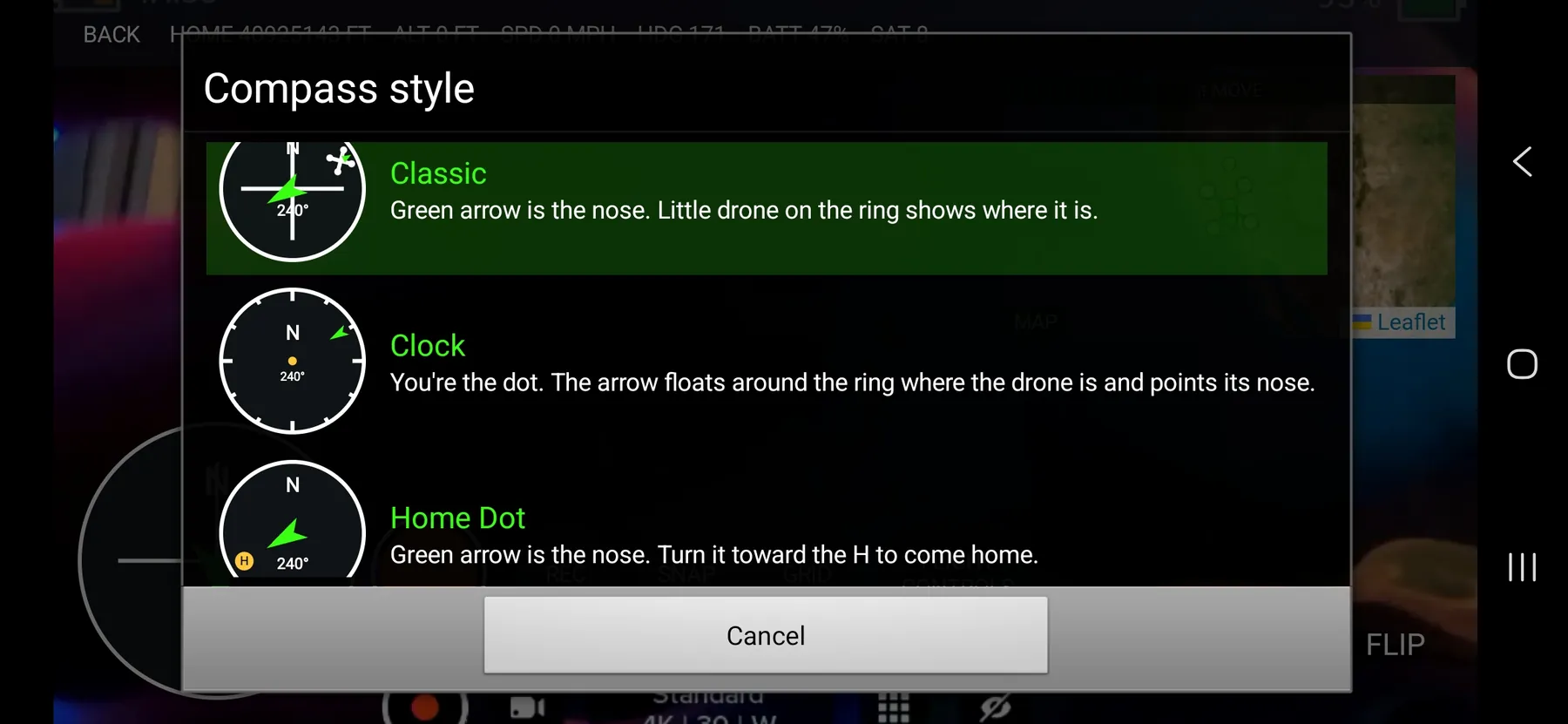
Three Compasses. Your Choice.
Get your bearings your way. Switch among three compass displays—a standout Solo Fly cockpit feature.
- ✓Three compass presentation modes
- ✓Easy-to-read direction and heading
- ✓Switch to the view that feels right
Your heading, your way.
Fly It Once. Follow Your Own Footsteps.
Your flown route does not have to disappear. Keep your snail trail, revisit it, or build a mission from it.
- ✓Persistent flight-route history
- ✓Turn a past trail into a future mission
- ✓Great for mapping and repeat visits
See the possibilities from above.
Get Out Front. Keep Yourself in the Shot.
LEAD changes the angle: Solo flies ahead while the camera looks back at you for dramatic moving footage.
- ✓Forward-leading follow concept
- ✓Great potential for action filming
- ✓Experimental and awaiting flight validation
Select a shot. Set the scene. Fly.
Upside-Down Mount? Right-Side-Up View.
Flip your displayed camera view 180° for alternate mounting setups, without changing the aircraft flight controls.
- ✓Rotate the displayed video 180°
- ✓Useful with upside-down camera mounting
- ✓Accessible from your flight screen
Ready when you are.
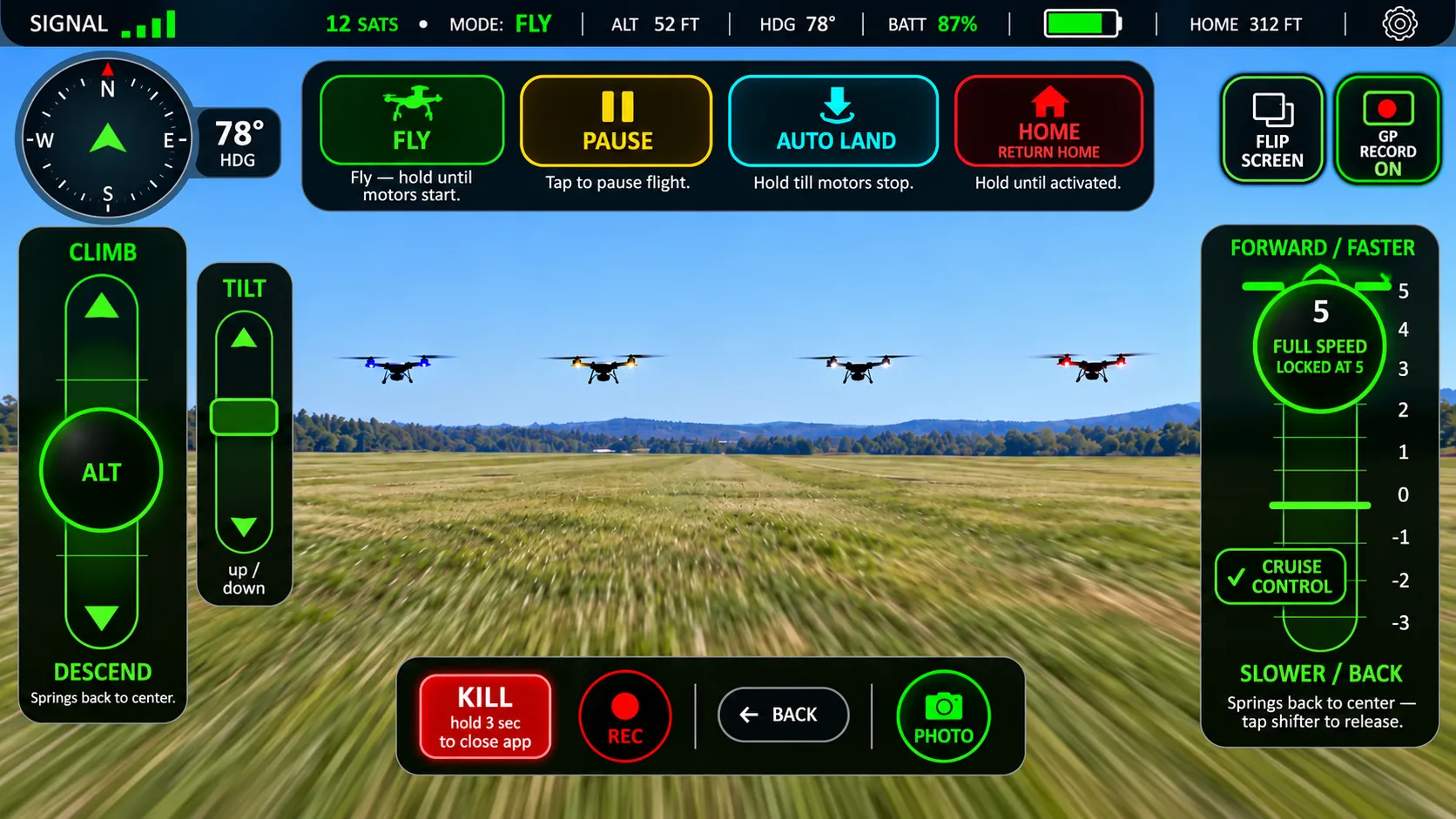
Bring Your Solo Back, Step by Step.
Your firmware updater is built into Solo Fly, with a helper guide so you can see what comes next.
- ✓Firmware tools inside the app
- ✓Guided update and preparation steps
- ✓Version and recovery information at hand
Make yesterday’s drone tomorrow’s adventure.
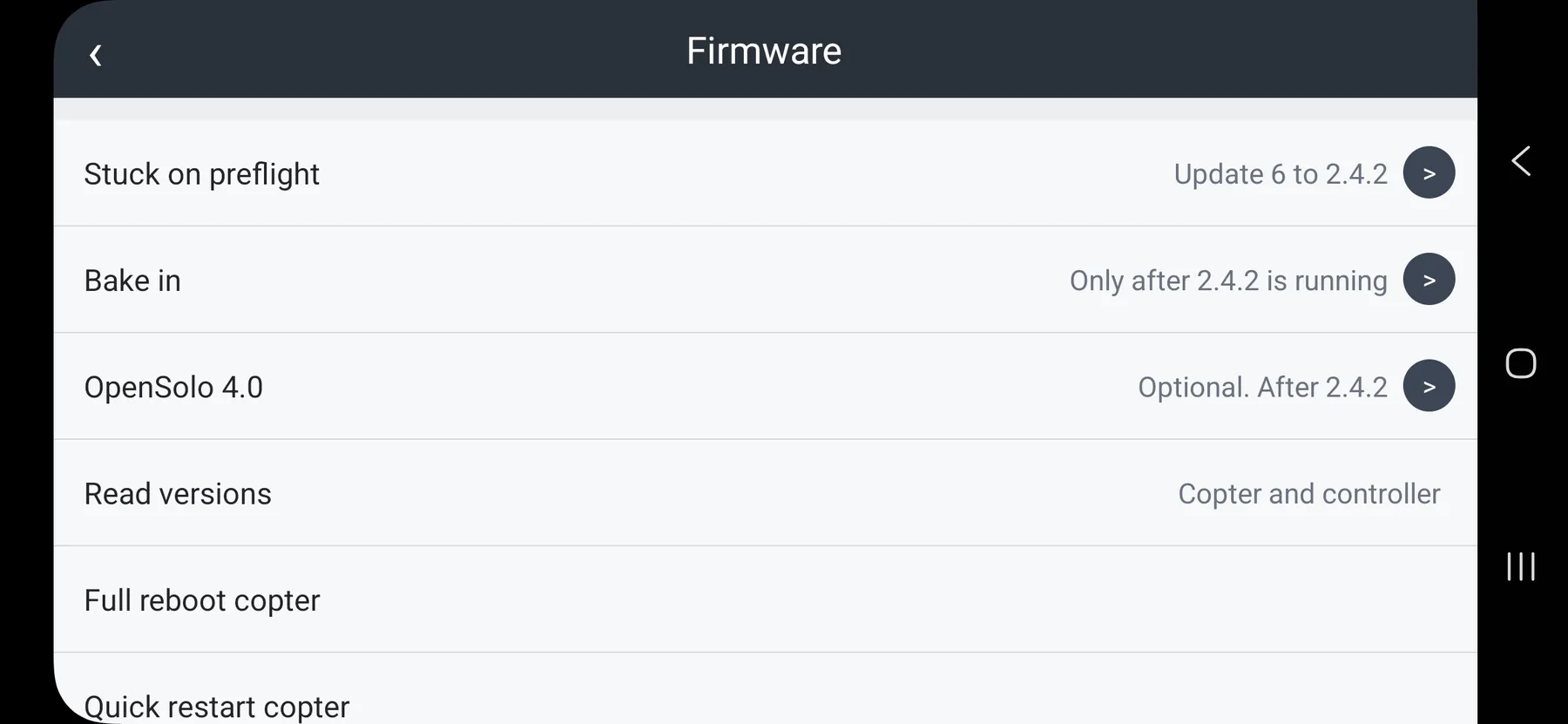
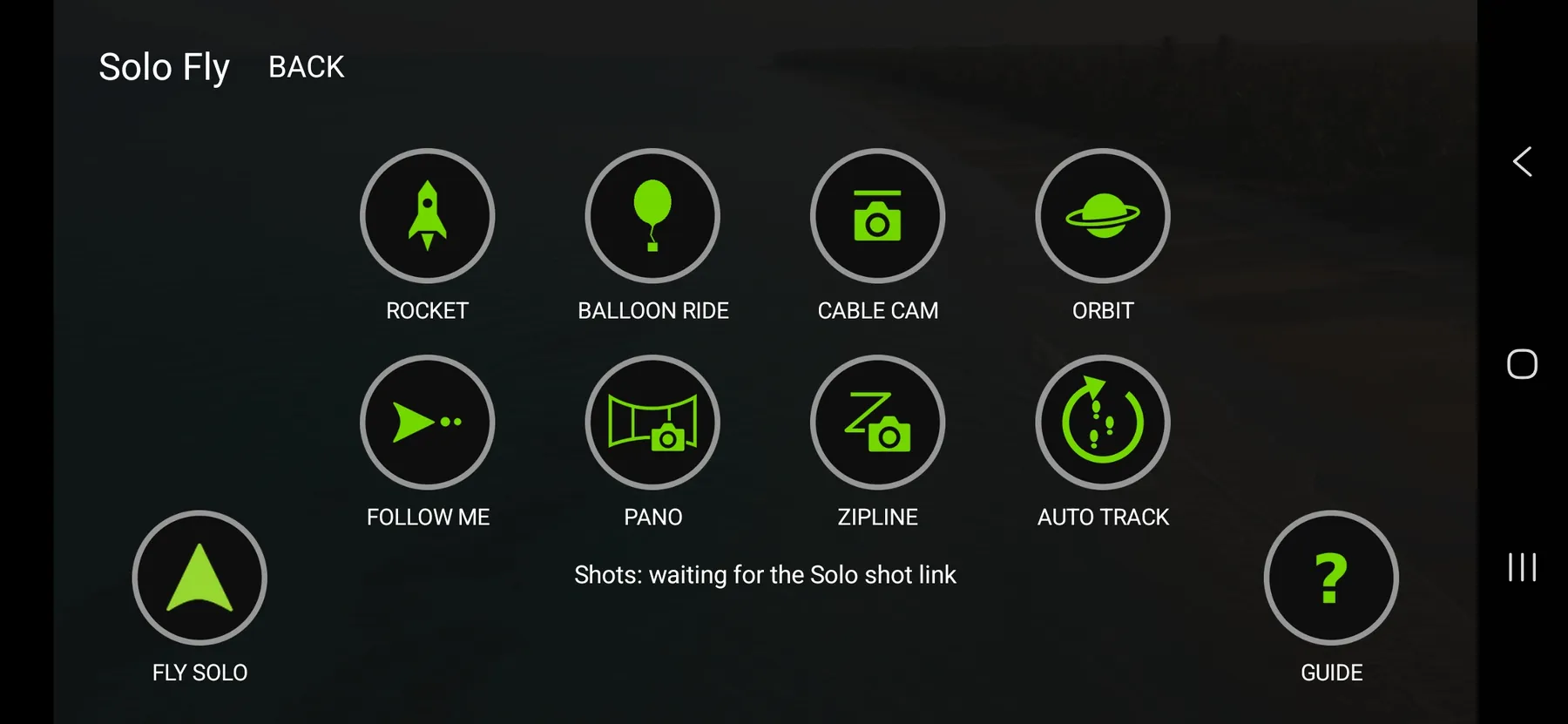
Tap the Shot. Steal the Show.
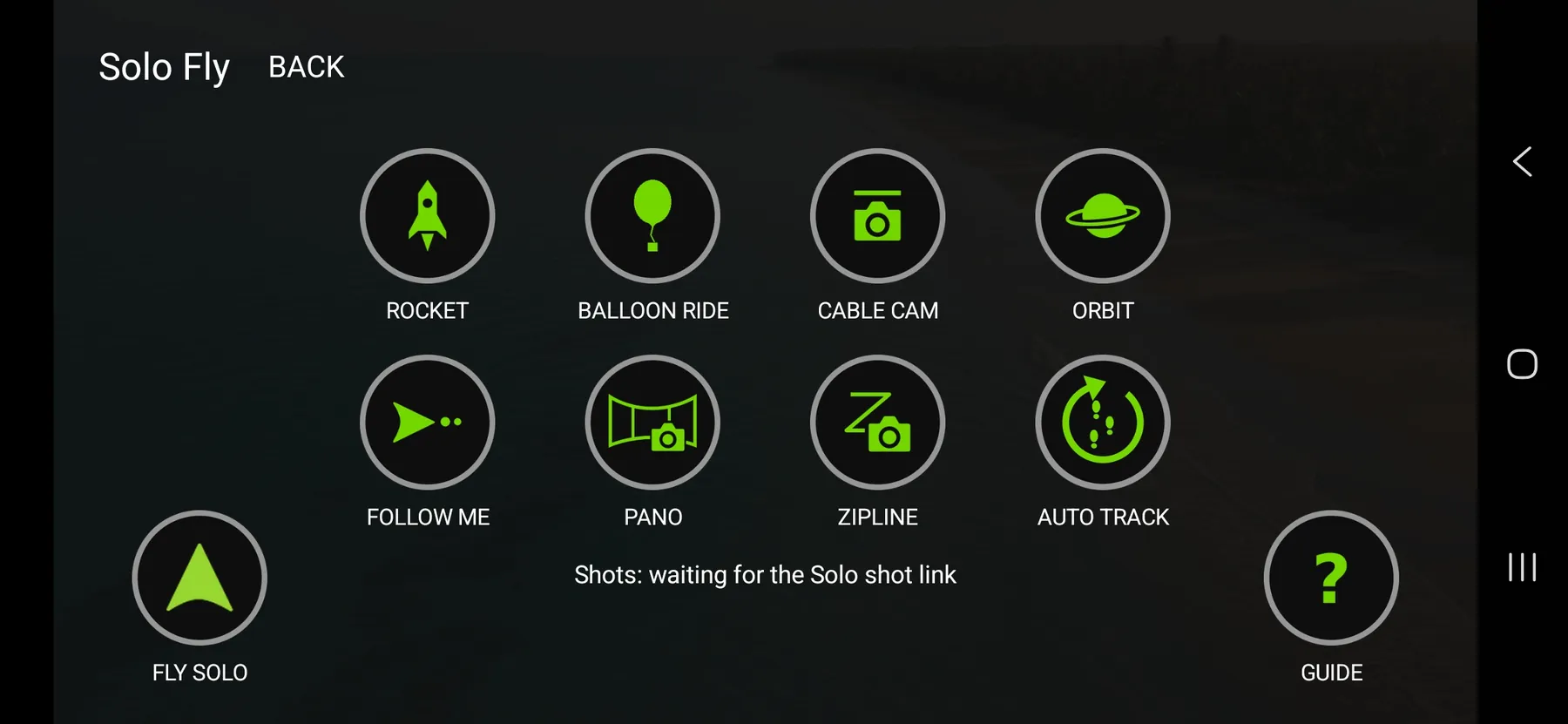
Rocket! Balloon Ride! Orbit! More ways to make Solo do the flying while you capture the excitement.
- ✓Find cinematic shots in one menu
- ✓Rocket and Balloon Ride add exciting viewpoints
- ✓Rediscover Solo classics and newer actions
Select a shot. Set the scene. Fly.
FUN & RACING
Take off. Try something new. Bring your friends.
Press Rocket. Watch the World Drop Away.
One tap unlocks a dramatic climbing perspective. Give every scene a cinematic reveal.
- ✓Easy access from Action Shots
- ✓A rising perspective that sells the scene
- ✓Pilot retains responsibility for the flight
Pick Rocket. Create the reveal.
Take the Scenic Route — Straight Up.
An effortless floating reveal of the world below: the kind of aerial moment people bought their Solo to enjoy.
- ✓Smooth, scenic climbing concept
- ✓Great for watching the view unfold
- ✓Configured flight limits apply
A little lift. A big view.
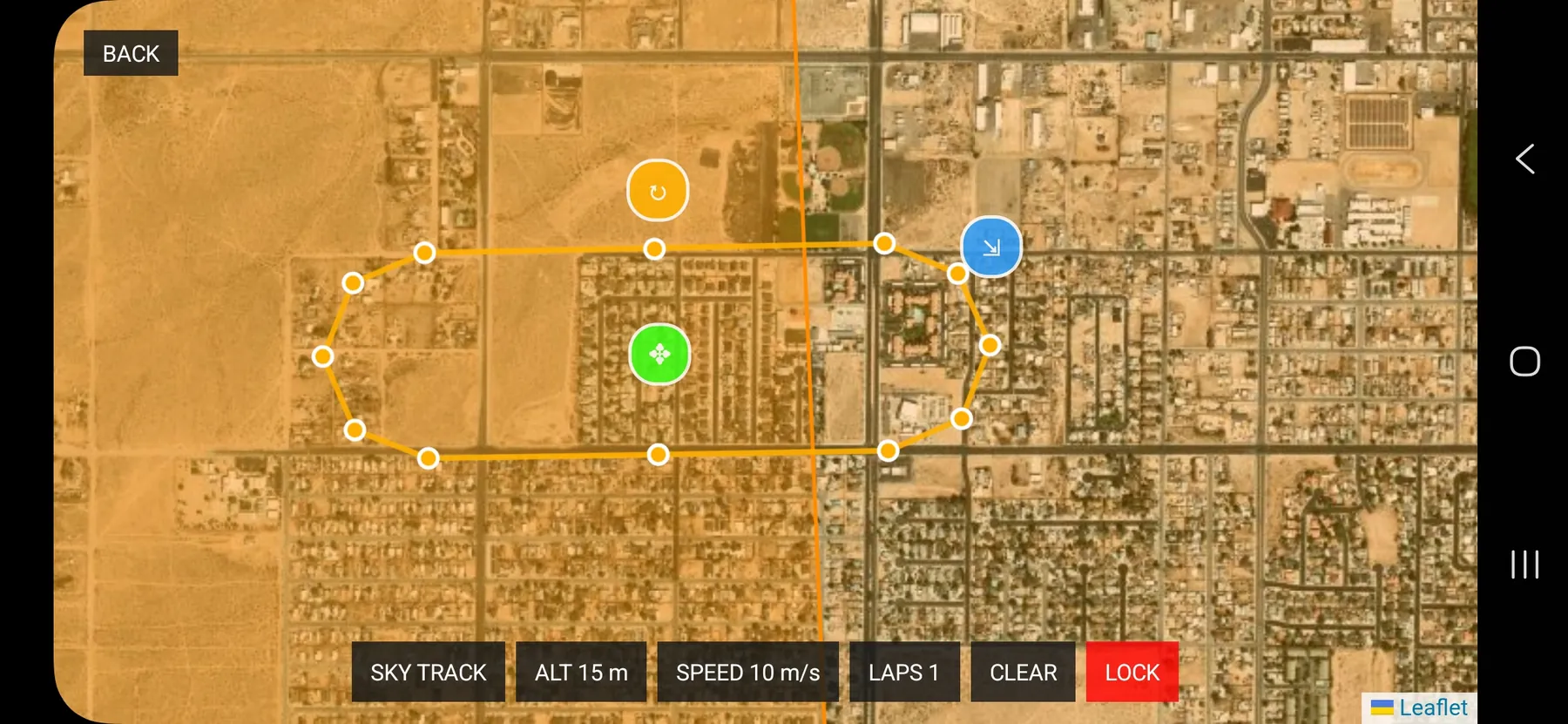
Draw the Course. Chase the Thrill.
Shape a custom route right on the map—the starting point for an entirely new way to plan Solo adventures.
- ✓Create a racetrack-style mission layout
- ✓Preview the shape of your route
- ✓Adjust the map before saving
Your course. Your call.
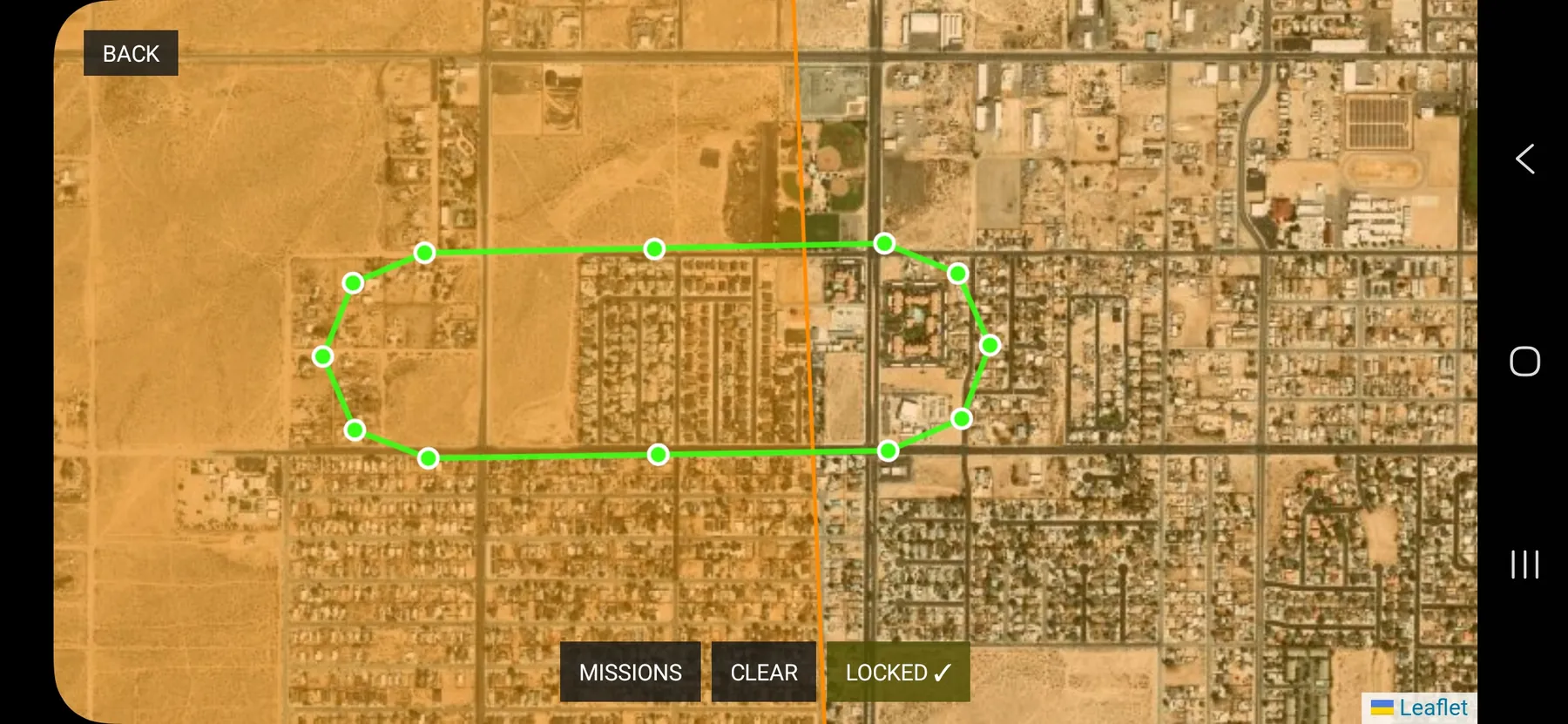
Your Course Is Ready.
Take a look at the finished route, see its turns, and get ready for the next stage of mission planning.
- ✓Review the complete course on the map
- ✓Check route geometry before use
- ✓Keep each mission easy to recognize
From idea to mapped route.
GPS MAPPING & FIELD WORK
Plan the flight. Save the work. Come back for more.
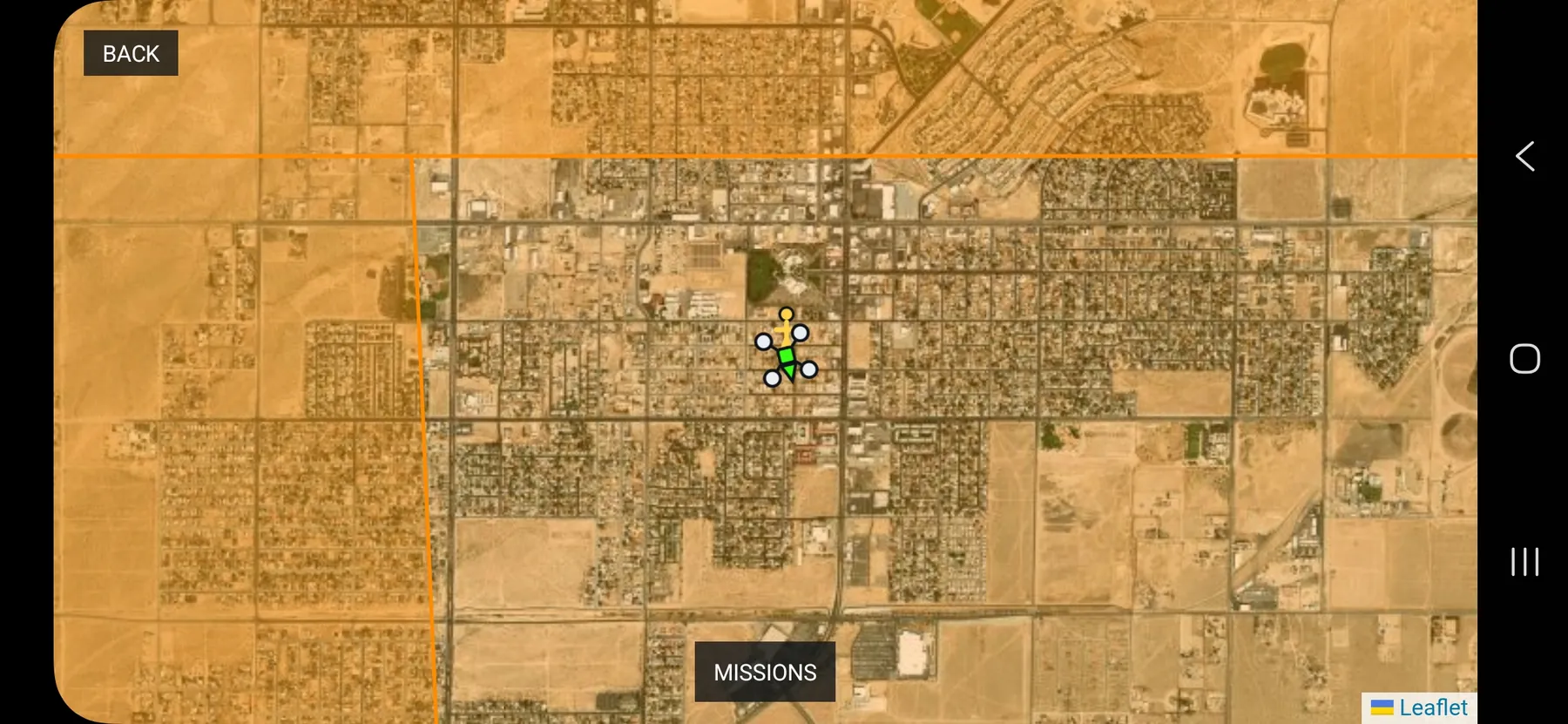
Big Sky. Bigger Plans.
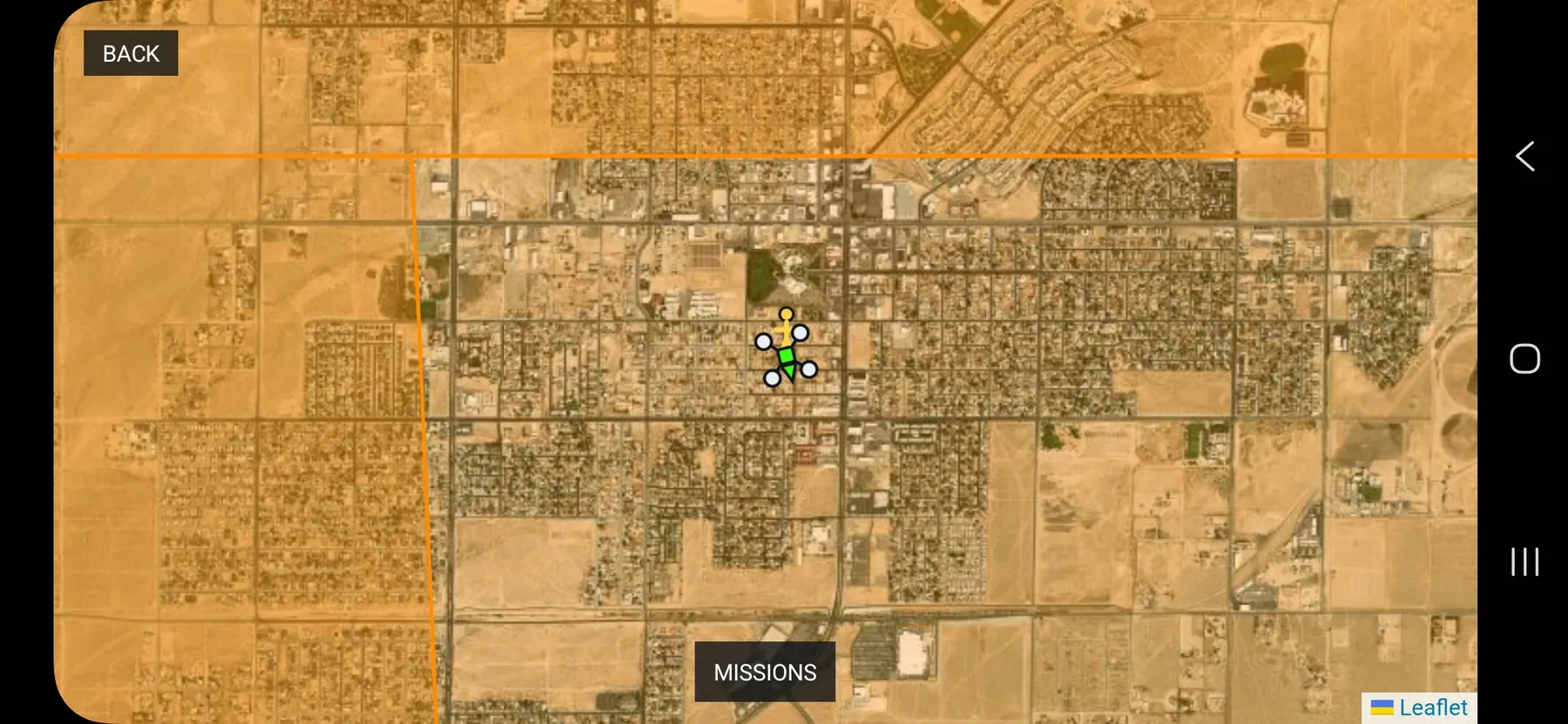
Open the wide satellite map and start thinking beyond the next takeoff. Imagine your route before your propellers spin.
- ✓View the larger satellite planning area
- ✓See aircraft position on the map
- ✓Find the mission-planning entry point
See the possibilities from above.
Make Solo Fly Yours.
Dial in the setup you prefer and get back to what you came for: flying.
- ✓Find the important preferences together
- ✓Adjust your personal workflow
- ✓Keep your configuration easy to reach
A cockpit that fits you.
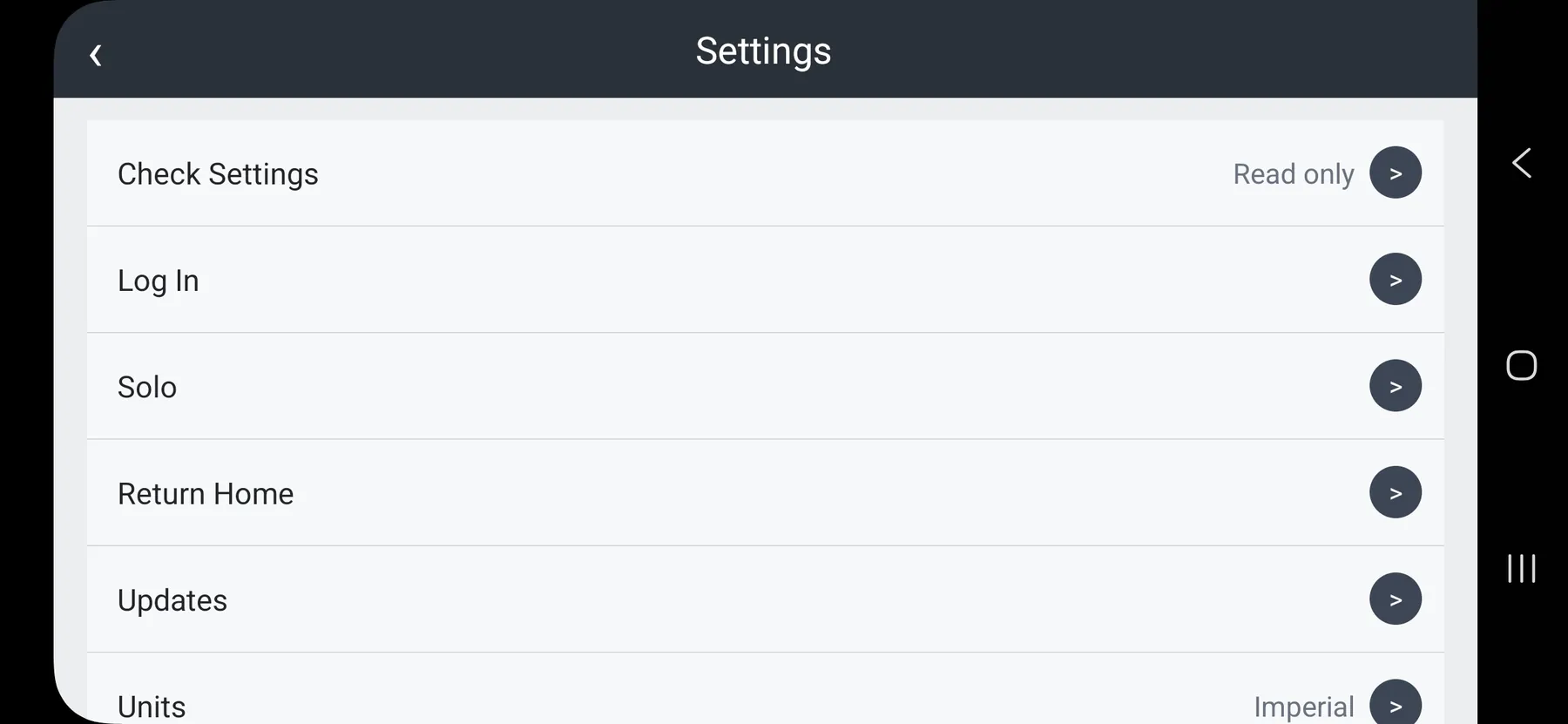
Your Maps. Your Setup.
Keep map preferences and update tools within reach, whether you are preparing for your next field trip or revisiting a favorite flying spot.
- ✓Access mapping preferences
- ✓Find available update controls
- ✓Prepare before heading outdoors
Spend less time hunting menus.
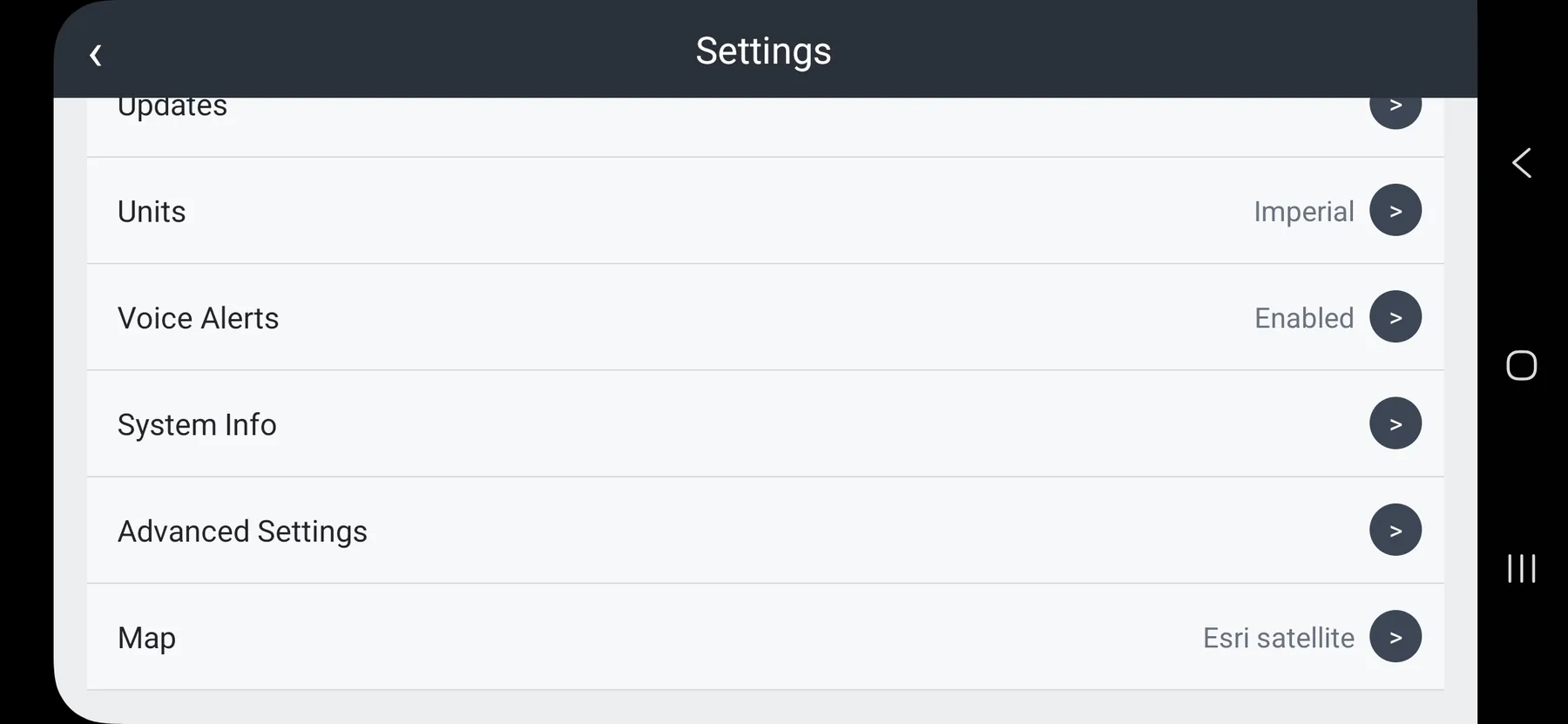
Plan the Way Back Before Takeoff.
Bring return-to-home settings into your preflight routine, so you know what the aircraft is configured to do.
- ✓Review return-home configuration
- ✓Check settings before flight
- ✓Confirm your choices in the app
A smart flight starts on the ground.
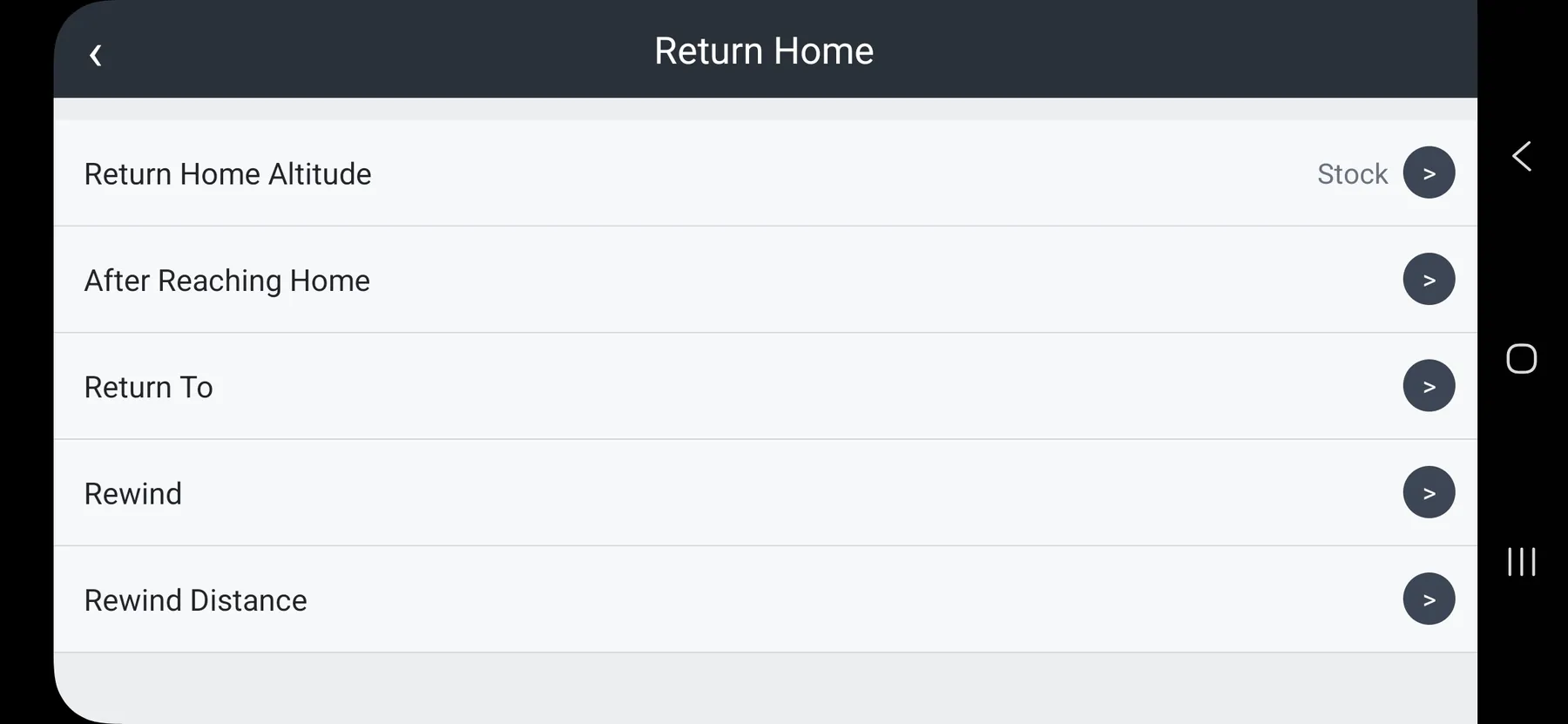
Know Your Aircraft Before It Takes Off.
Important aircraft settings belong where you can review them—not buried behind a mystery menu.
- ✓Review exposed aircraft parameters
- ✓Understand the displayed configuration
- ✓Keep a reference before changing settings
Details matter before launch.
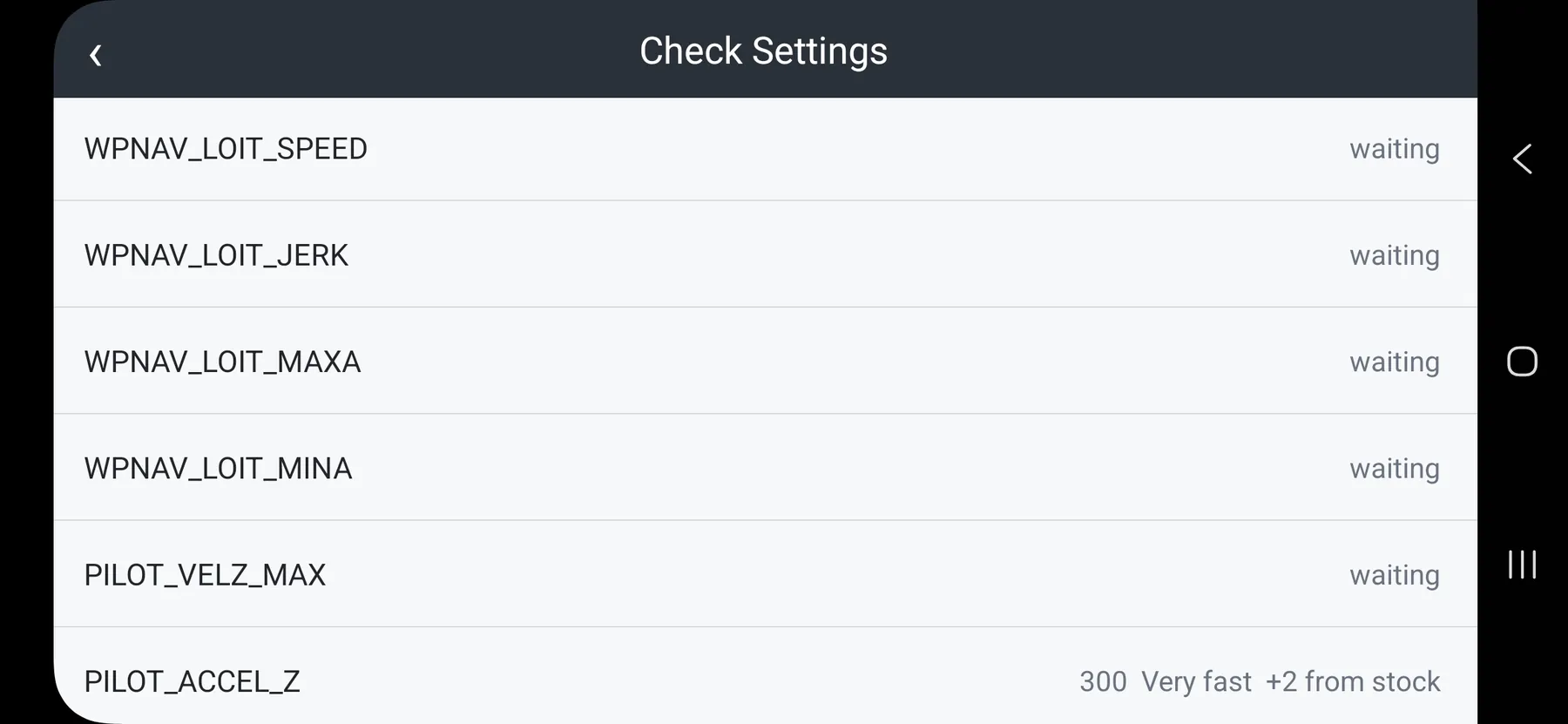
Every Detail in View.
Go beyond the headline settings and see more of the configuration your Solo reports.
- ✓Review additional parameters
- ✓Keep aircraft information organized
- ✓Inspect values before making changes
Confidence comes from clarity.
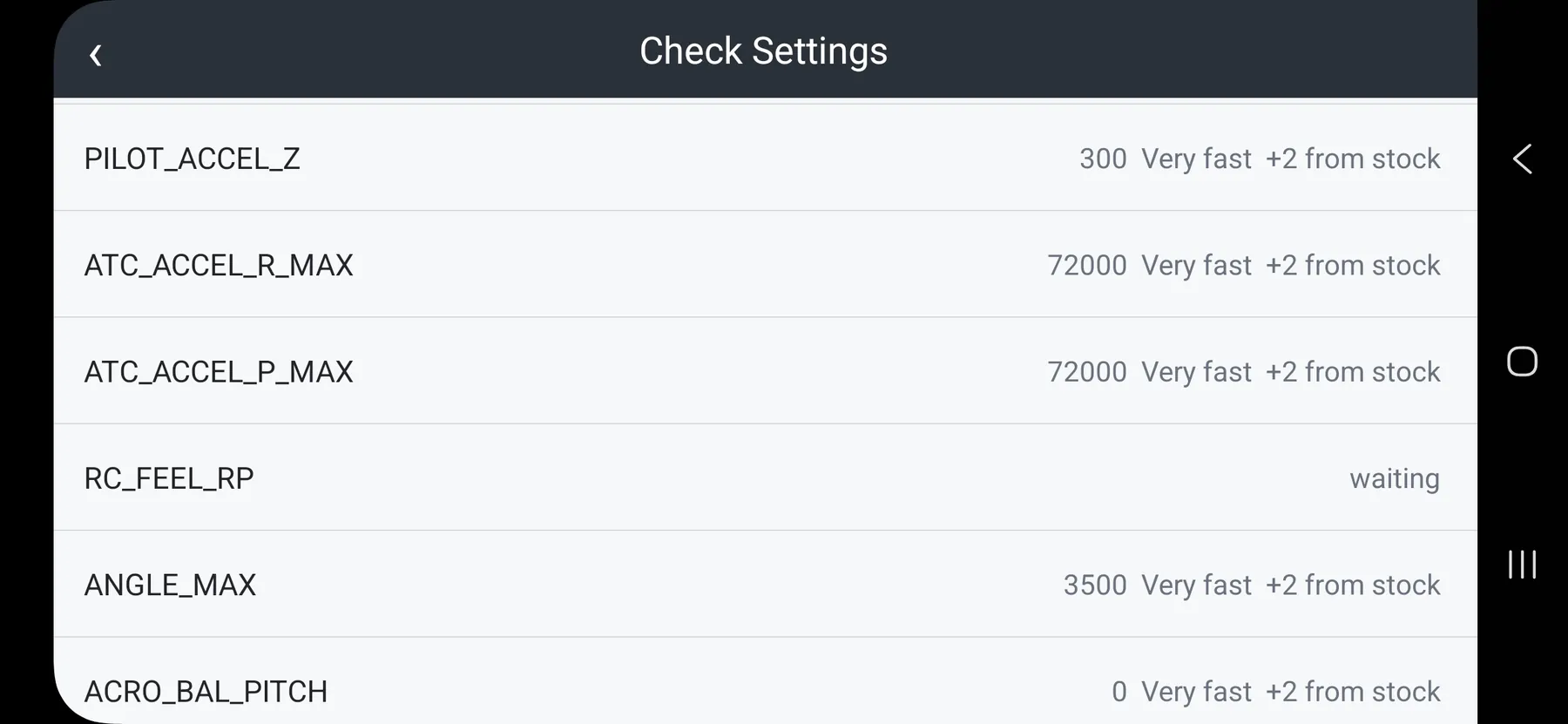
The Whole Picture, Not Just the Highlights.
When you want to dig deeper into your aircraft, the remaining settings are there to inspect.
- ✓See additional reported parameters
- ✓Review the full setup
- ✓Make informed adjustments only
Look before you leap.
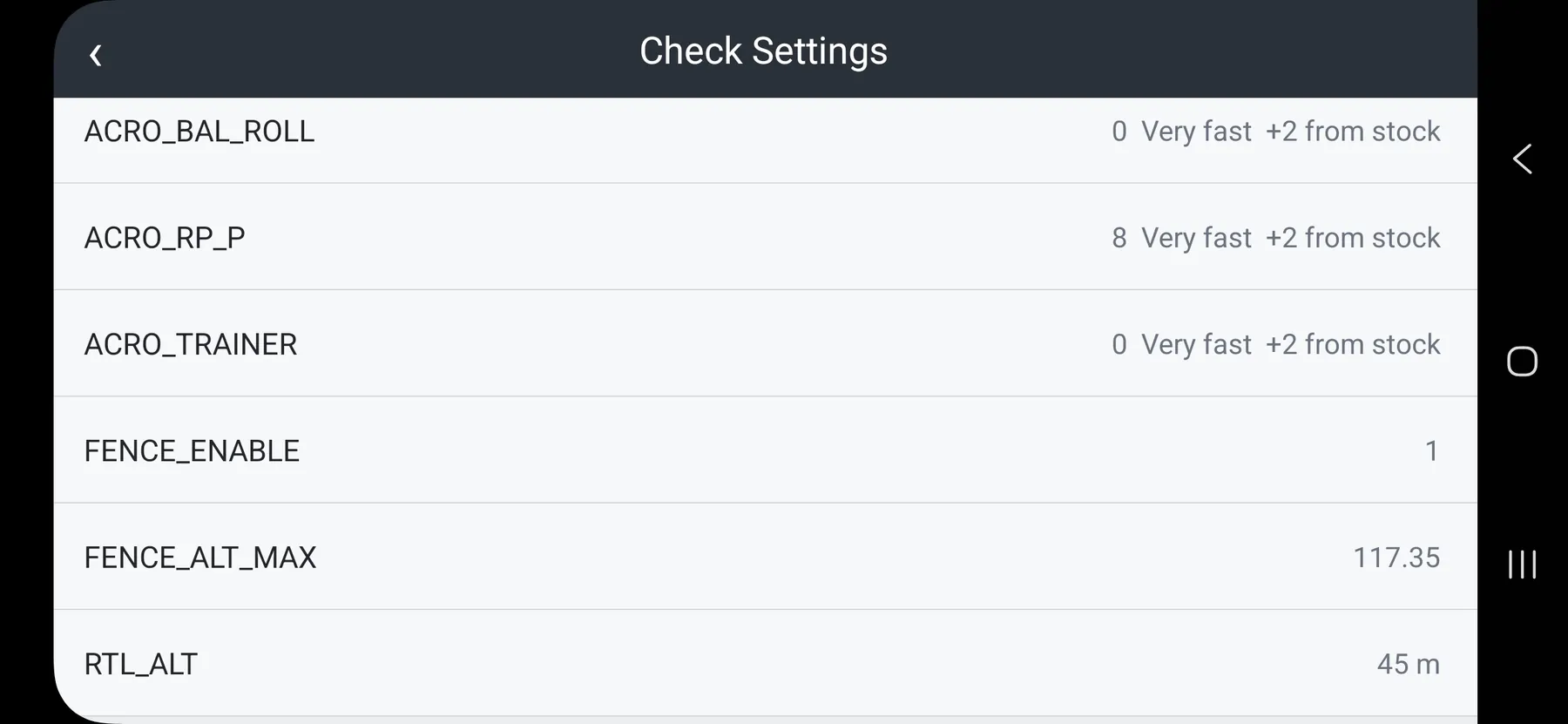
Get to Know Your Solo Again.
Rediscover the aircraft behind the camera with system information presented together.
- ✓See available aircraft system details
- ✓Check your connected setup
- ✓Make troubleshooting less mysterious
A familiar drone. A fresh perspective.
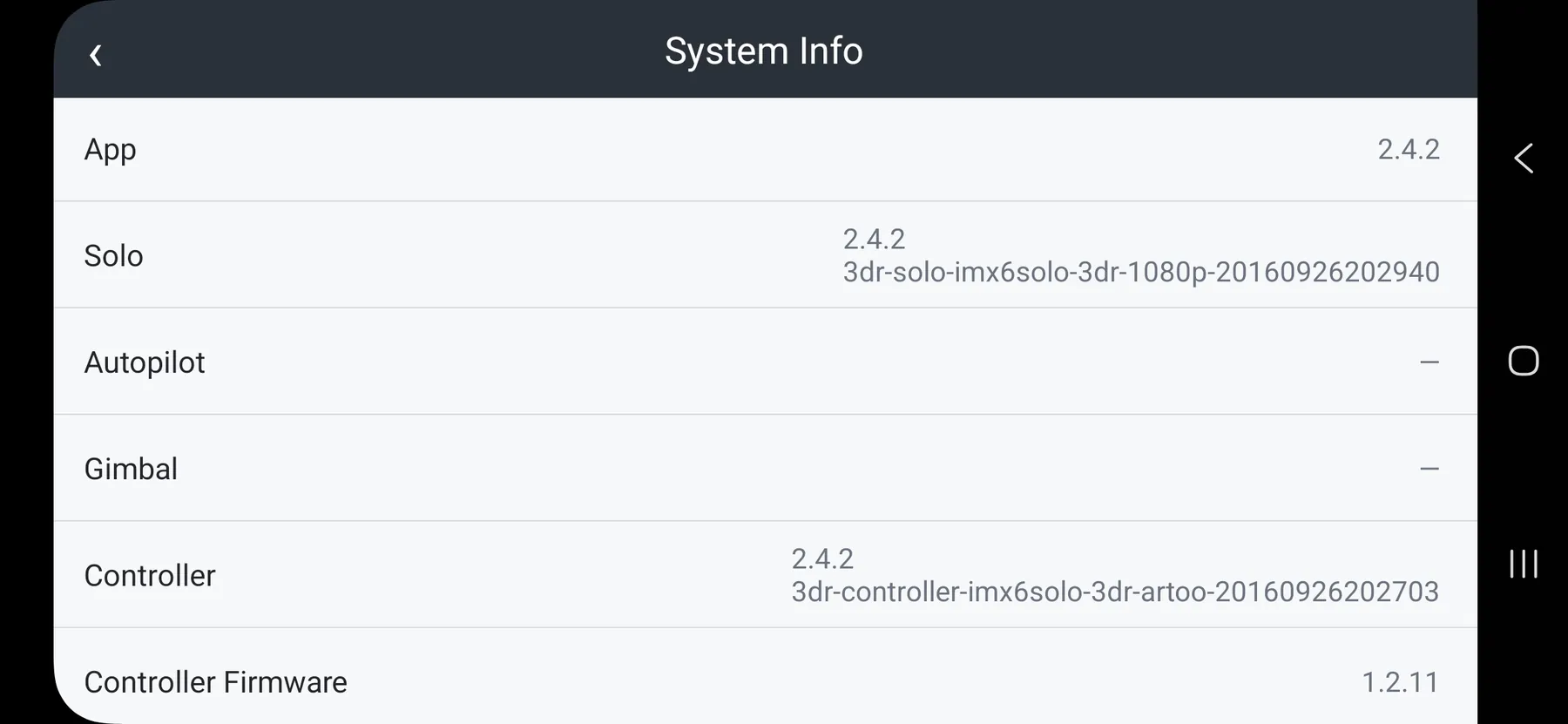
Know What Is Running.
Aircraft firmware and connected-component versions can make all the difference. Find the information without the guesswork.
- ✓See reported firmware versions
- ✓Compare components at a glance
- ✓Prepare for compatibility checks
Know your setup before you fly.
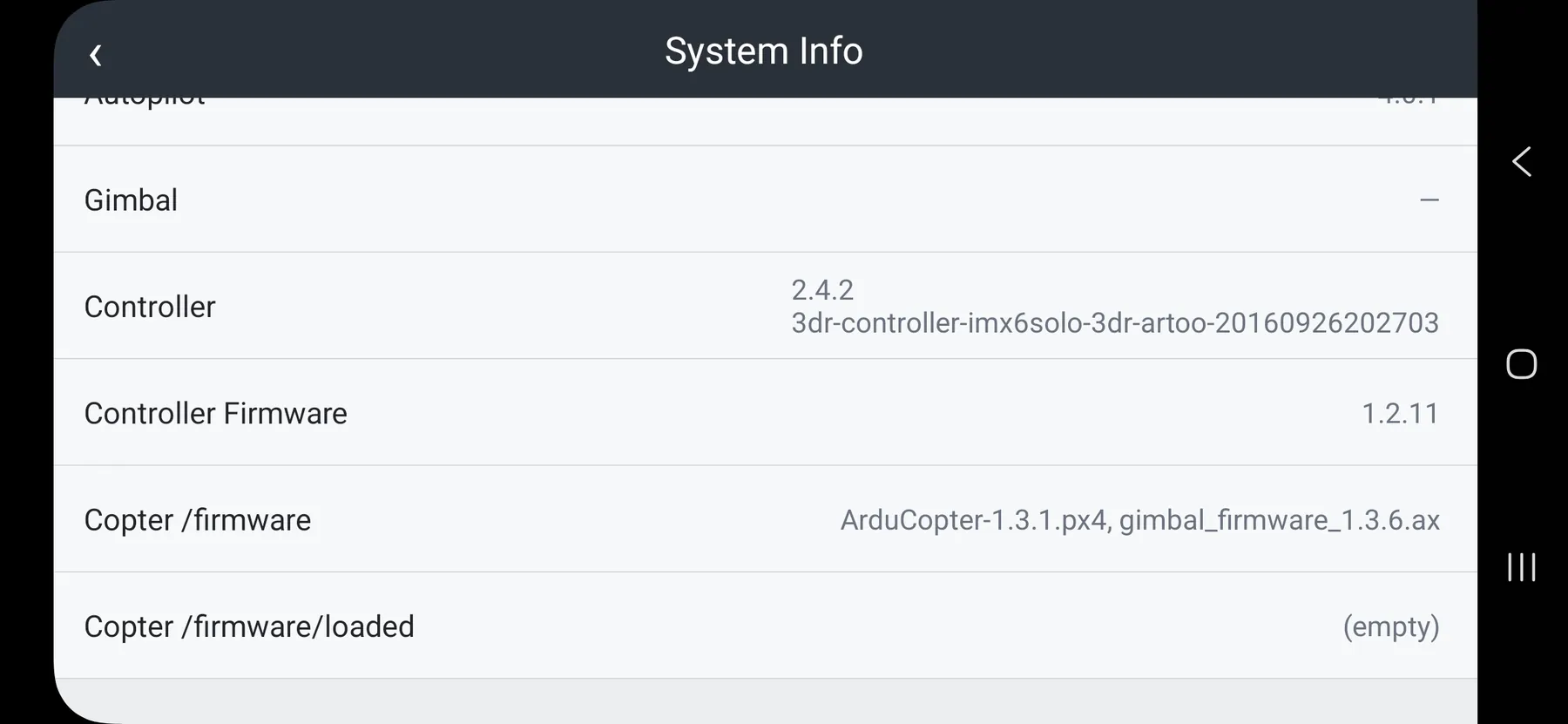
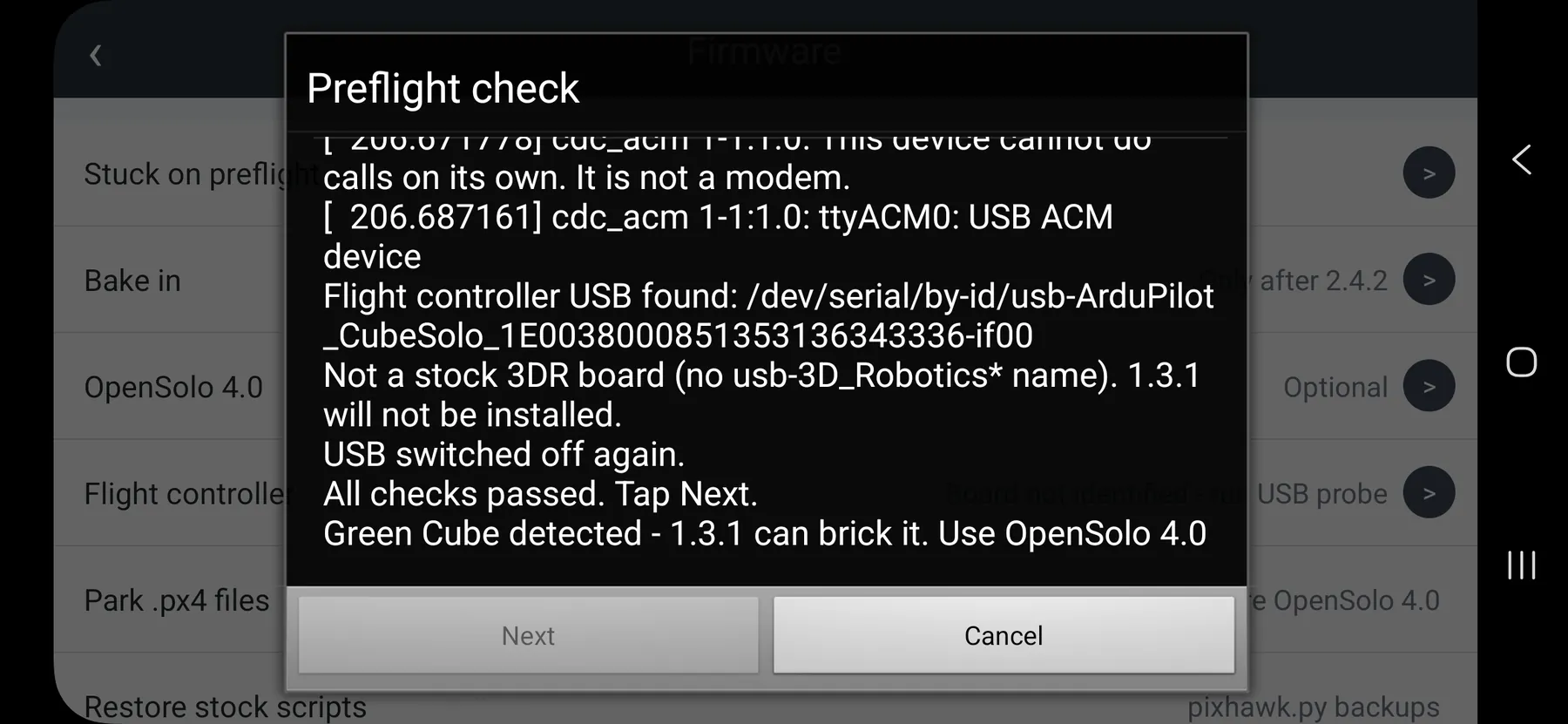
Step Forward With a Clearer Update Path.
Follow the app’s firmware workflow with the update screens in front of you, one step at a time.
- ✓See the update process
- ✓Know where you are in the workflow
- ✓Review prompts before proceeding
More clarity, less guesswork.
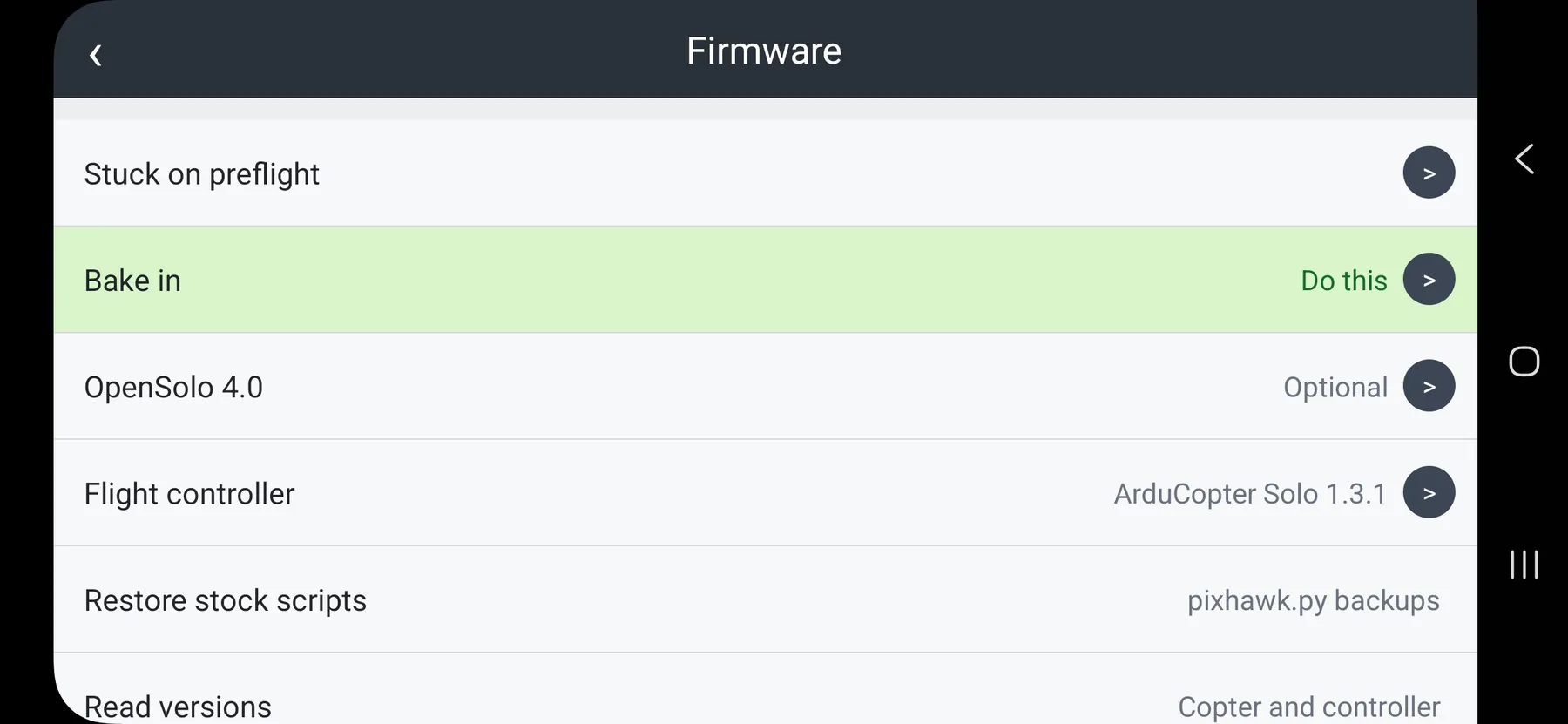
A Second Act for Your Solo.
Have an older aircraft that needs attention? Explore the recovery options provided in the app.
- ✓Locate available recovery tools
- ✓Review compatibility guidance
- ✓Work through the provided steps
Keep the adventure going.
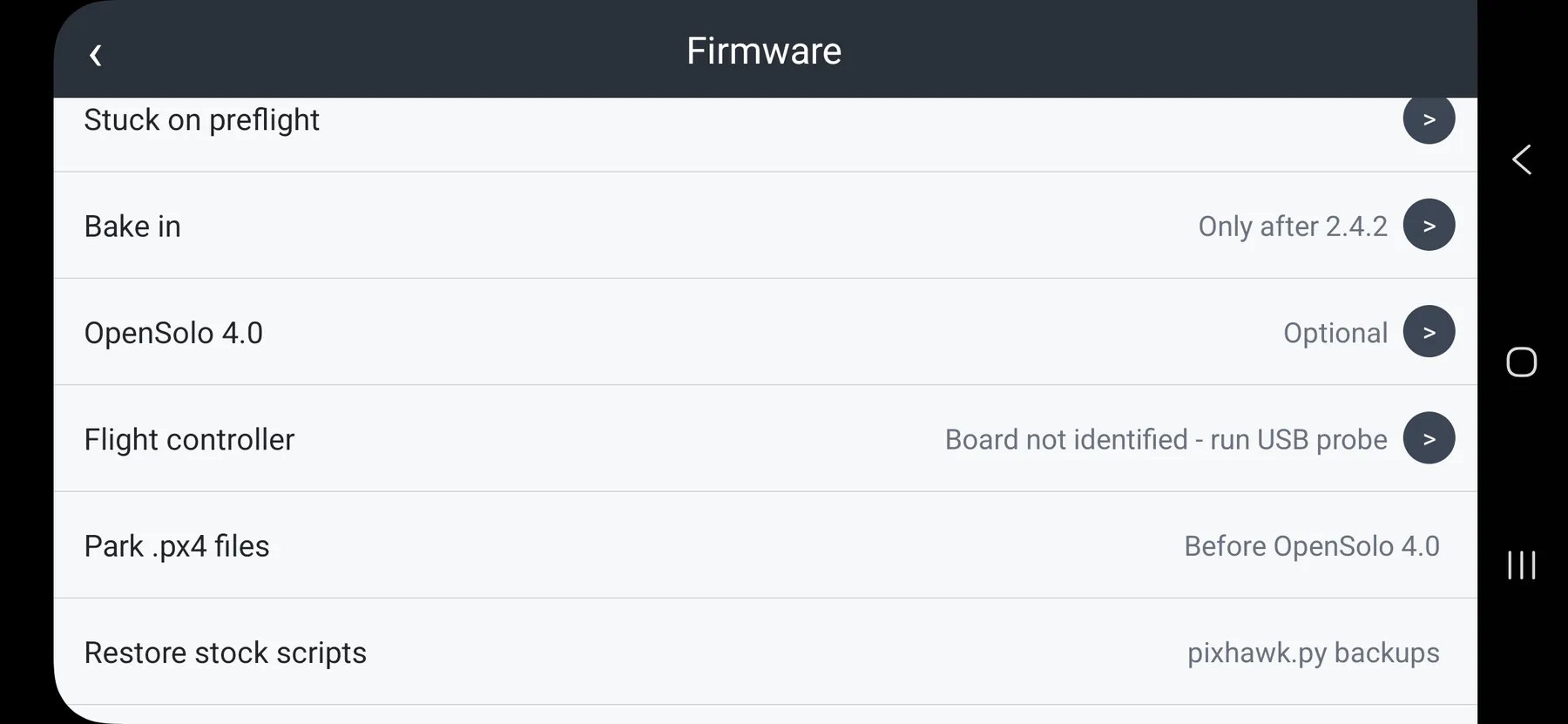
A Better Flight Starts Before Liftoff.
Build the habit of checking your aircraft before you launch. The best footage starts with a ready machine.
- ✓Review your preflight information
- ✓Check the aircraft’s reported state
- ✓Make each takeoff intentional
Ready. Set. Solo.